Smart TV directory
Your Television Is Now Your Radio
Turn On Your TV. Turn On the Love.
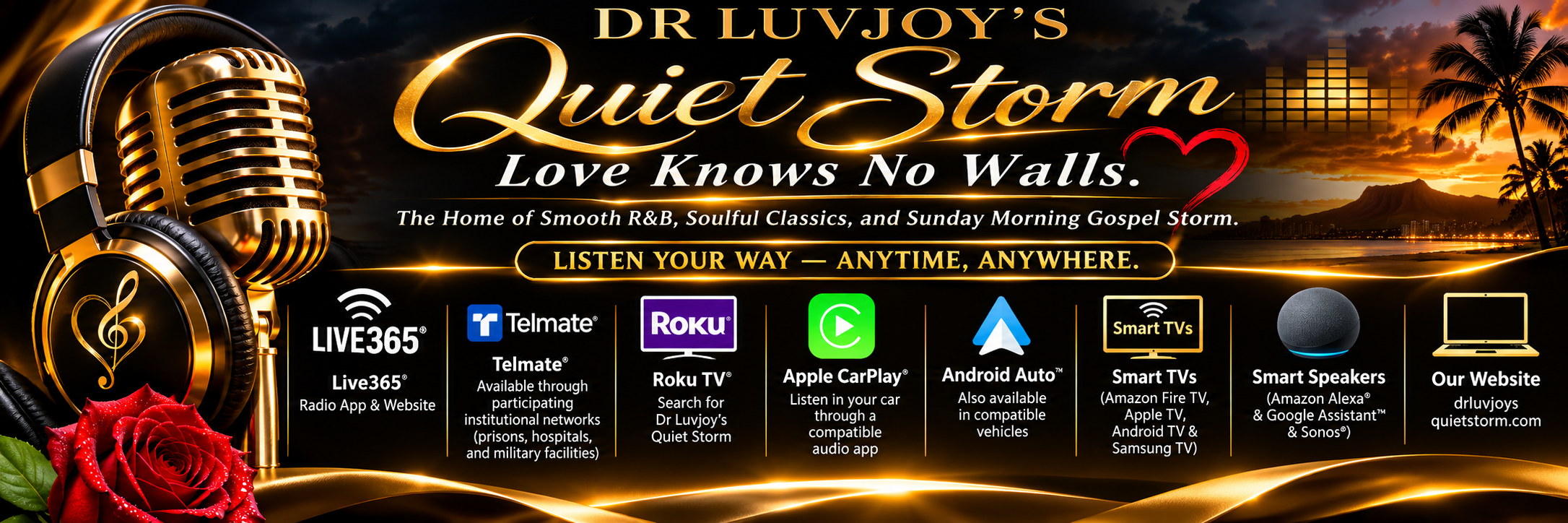
Every screen below reaches the same live stream: Quiet Storm R&B, romantic slow jams and classic soul, 24 hours a day, broadcasting from our studios in Waiʻanae, Hawaiʻi.

Smart TV & Streaming Platforms
Install a radio app, then search the station


Radio Directory Apps
Where the station is listed on TV and mobileHow to listen on your TV
- 01Open your TV app store
On your television, open the app store or channel store built into the device.
- 02Install a radio app
Install Get Me Radio!, MyTuner Radio, or another radio app from the list above.
- 03Search and press play
Search “Dr Luvjoy's Quiet Storm” and select the station. The stream plays 24 hours a day.
No app on your TV? You do not need one.
The station plays in any browser. Open the listen page on your television, phone, tablet or computer and press play.
Open the listen page